Category: Technology

  • Cashless

    Today I left home without bringing my wallet – something I only realized when I was lining up to pay for my lunch. Fortunately, it was before I had received my food so it wasn’t really a problem. I had to go home to get my wallet and I wasn’t far from home. But then a thought occurred to me – this wouldn’t be a problem if I had some sort of mobile payment system on my phone. But even if I did, the restaurant I was at didn’t support mobile payment. It’s already hard enough to find lower-end places that accept credit cards. I think by the time this country has support for virtual wallets nationwide, we would have eyeball or wrist implant wallets.

    One one hand, I see why businesses don’t support virtual wallets – there aren’t enough users. However, without any businesses supporting them, people are unlikely to bother signing up for them. It’s a chicken and egg situation. Another issue present is – which wallet does a business choose to support? It’s not like Visa/MasterCard where you’ll find support for either one everywhere. There are so many digital wallet systems available, it’s hard to pick one over the other. Would it be feasible to support all of them? I’m not sure about the paperwork, but I would assume it would be a nightmare to settle it at the end of every month/week/quarter.

    On the other, digital wallet support would make it so much easier for consumers to spend money. Instead of lining up at ATMs to withdraw money, people can wave around their phones to pay for stuff when they have no cash on them. People won’t have to worry about getting robbed anymore (everybody has their phone protected these days right?) since they won’t have their cash on them. When you make paying such a simple process, people can spend more money impulsively.

    But there’s no telling how long virtual wallets will last, and if it’s going to be the main form of payment (the world of tech moves so quickly – these systems could easily collapse and be replaced by something more efficient any time). But it would be nice to enjoy them in the meantime. Like how Touch and Go is being used by almost every car park today, I’d love to see a greater adoption of convenient technologies.

  • Scheduled TV Shows

    Scheduled TV Shows

    If there’s one appliance at home I use less than the fridge at home, it’s the television in my living room. If I watch a TV show these days, it’s mostly on my tablet or my laptop. Either streamed or torrented. Why? Because I don’t like scheduling my day around a show. Unless something is live or I’m going to a cinema to watch a film, I like to decide when and where I consume content. But life wasn’t always that way.

    Back then we had to wait up to catch movies on terrestrial TV because there wouldn’t be any reruns. If a movie was showing too late, we’d have to record it and catch it the following day. Thankfully the VCRs we had could fast forward. I remember having to pause recording during adverts back then if we wanted to record something seamless. It was quite a fun activity to do. You’d have to remember to pause and unpause during commercial breaks (also, why does paid TV still have ads? we pay for it after all). This skill translated to my Walkman days when I used to rip songs off the air. I had to make sure I started and stopped recording before the DJ came back on.

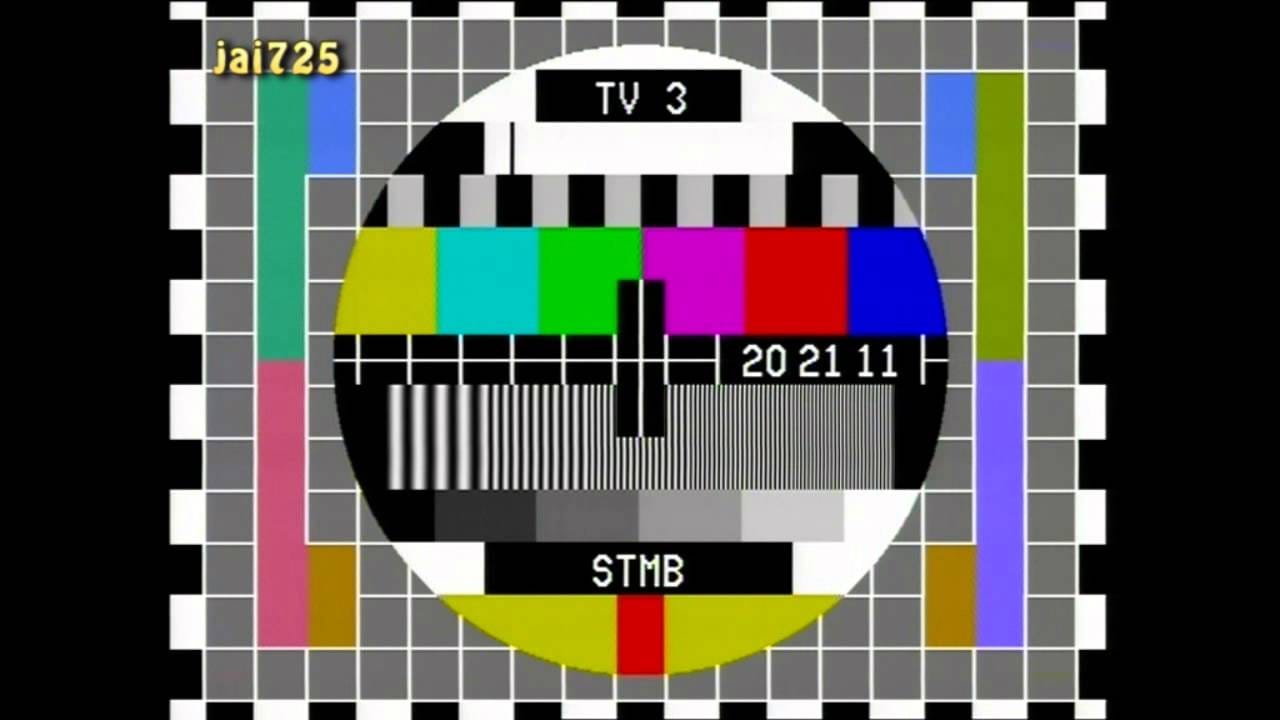
    Did you remember catching test cards on TV?

    One thing that I’ve learned while working in the content division of a TV network is that programming schedules matter a lot. TV channels will be running shows 24 hours a day, but not everybody is sitting in front of the TV all day long. You need to run your best programs when they’re sitting in front of it. The rest of the day you can put your not-so-hot shows on because nobody watches them. This is why we have terms like prime time. Also, with slightly better than average movies like Peter Rabbit succeeding at the Box Office, it shows us that timing makes a difference.

    Despite the existence of video on demand, I don’t think regular TV channels will ever die out. It’s so easy to just turn on the TV, flip to a channel and just watch whatever’s on. There’s no need to think about what you want to watch (a problem I face sometimes). There are a few benefits to this system. Occasionally you’ll tune into a movie that’s showing the best part and hook you in until the end. It could have been a movie that you were likely to skip due to it not being the kind of show you enjoy or a movie with a slow start. It’s also great for older people and younger kids who don’t really know how to search for content. They can literally tune in and tune out.

    Maybe in the future, VOD services will have certain channels that autoplay shows tuned to your preferences and every now and then they’ll play something that they think you might like. We need to give them more of our personal data first. Trust me, it’s worth it.

    The latest season of Silicon Valley has been great by the way. I’m looking forward to see how Jared’s character progresses as COO of Pied Piper. His monologue about the analogy to horse manure was so good.

  • Pertinent Layers

    Pertinent Layers

    After using my 40% keyboard for two-and-a-half months, I’ve managed to map out a layer that works for me. While most of you are probably wondering, why did I bother with such a small keyboard in the first place? I already have a standard sized keyboard on my laptop.

    Well, when you’re spending so much time in front of the computer, wouldn’t you want to type on something that feels good? I know I do. The laptop keyboards if definitely sufficient, but it’s not great. Lack of travel, feedback and programmability. And of course, most importantly, a e s t h e t i c s.

    The 40% board is great for traveling – I can’t leave my keyboard at work, so having something light and portable is important for me. It may not seem that much smaller than a 60% keyboard but when you have a tiny backpack like me, every cubic centimeter saved is important (gotta pack more bags of drugs in there).

    For non-mechanical keyboard enthusiasts out there, you’re probably wondering how on earth someone could possibly use such a tiny input device. Well, after experimenting with many different layouts on the Vortex Core, I’ve come up with something that works for me and the work I do. It’s nothing fancy, but with it I can easily type characters like ‘ and / which weren’t mapped to the non-function layer by default. I’ve also mapped control, alt and windows to the HHKB layout (I’ve gotten so used to it) and moved escape to a function layer so tab is next to Q. I’d love to do a lot more, but I’m limited by the current functionality of the board.

    I still miss the number row when entering passwords, but I’m dealing with it. I even put the number row key caps on my keyboard to help me out in that department. Eventually I will have them all memorized. After using this layout for a while, I’ve come to realize that I could even do away with 3 of the keys on the keyboard, which would make something like the Pearl usable for me (damn, those sexy blockers) – something I would have never dreamed of before using a 40% keyboard.

    Anyway, here is a diagram of the layout that I currently use. Feel free to use it or offer any suggestions if you think that you can make it better! I didn’t put down the Shift + Fn1 layers since those can’t be changed (they symbols are mapped from !@#$%^&*() on Ctrl to L respectively).

    I can’t wait for Vortex to make the Core completely customizable, I already have plans for how I want to tweak this board even more in the future.