Category: Technology

  • M1 MacBook Air 2026 check in

    I recently got a new work laptop, so I spent the weekend reinstalling apps in between matches of The International (congrats on the three-peat, Team Spirit).

    That got me thinking about my own laptop, which I’ve been using since 2021. As a daily macOS user for close to five years now, I’m still convinced the MacBook Air is the best laptop at its price point.

    Sure, with all the fuckery going on with computer part prices worldwide, it’s not as good a deal as before — but it’s still solid. The entry-level model now starts at 16GB RAM and 512GB storage for RM5,399, which is still cheaper than what I paid for my M1 Air back then (RM5,999).

    Either way, I thought it’d be nice to write an update to my original post about life on macOS.

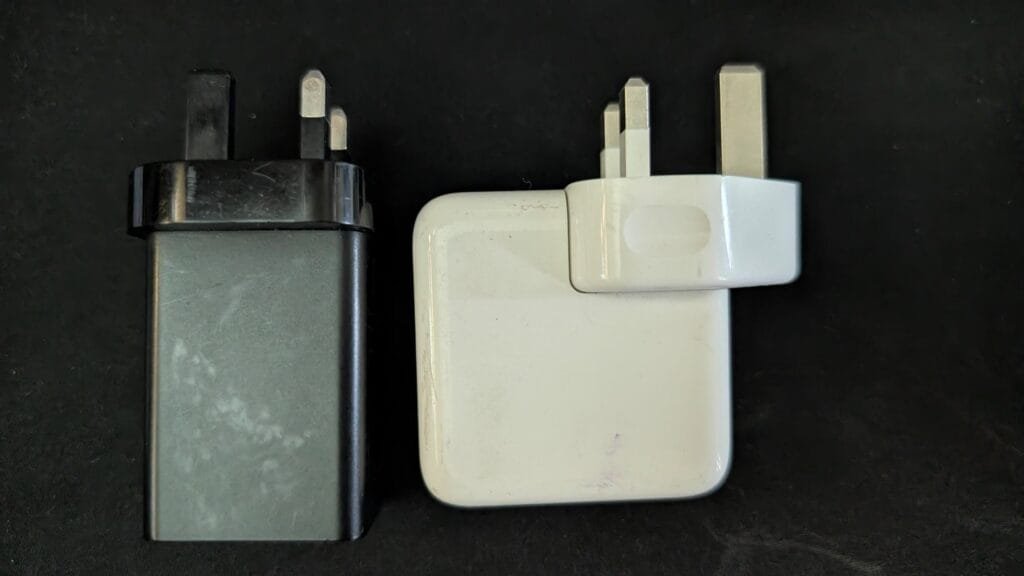
    Battery life is still great — no longer stellar, but I can get through almost a full day of work on it. What I did replace was the official charger (a huge-ass brick) with a 60W Macdodo charger that fits much nicer in my bag and can charge 3 devices at once. Since it’s so small, it’s my go-to charger for traveling.
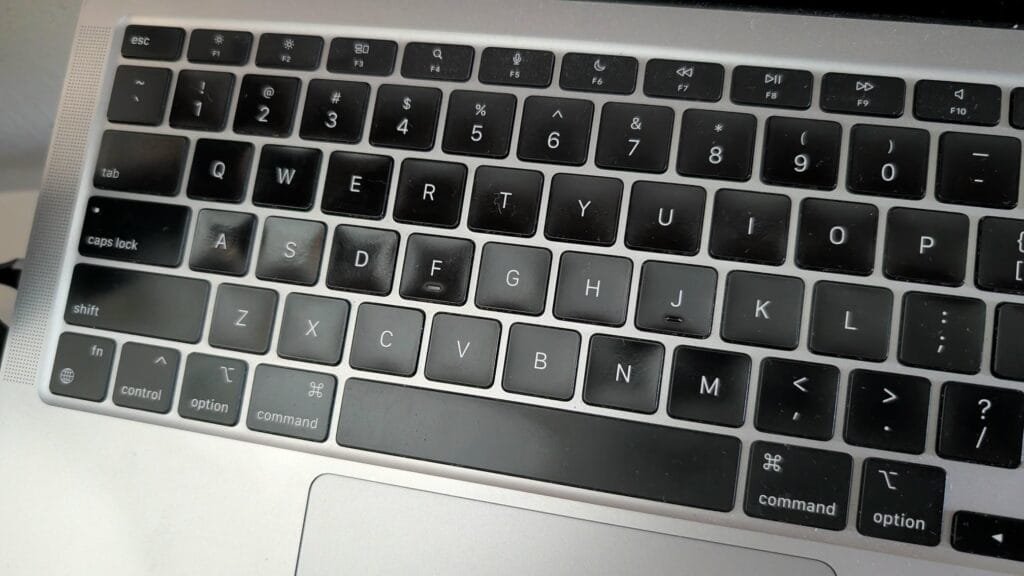
    Other than that, zero issues with the laptop — no hardware degradation to report. There’s some shine on the keyboard, but that’s just what happens to ABS keycaps after years of use.
    Performance-wise, I haven’t noticed any slowdown. Despite all the macOS upgrades over the years, it runs pretty much as well as it did on day one.

    I’m not doing any heavy gaming — just the occasional Slay the Spire and Balatro. Mostly work: Slack, Notion, Chrome, and VS Code cover the majority of my workflow, and I’ve had no issues there.

    Here’s what I currently have installed:
    Rift

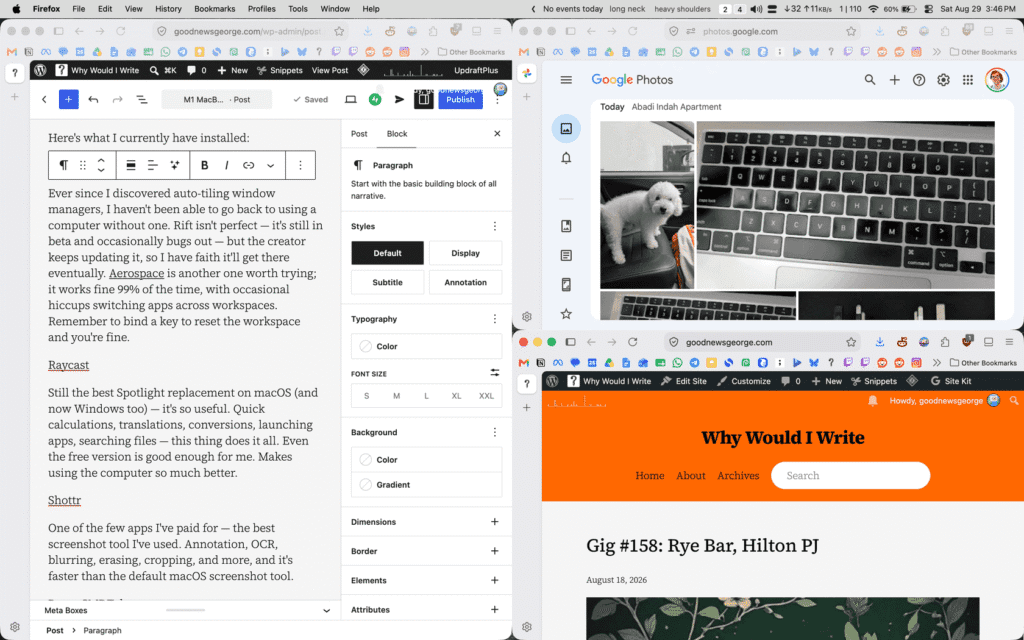
    Ever since I discovered auto-tiling window managers, I haven’t been able to go back to using a computer without one. Rift isn’t perfect — it’s still in beta and occasionally bugs out — but the creator keeps updating it, so I have faith it’ll get there eventually. Aerospace is another one worth trying; it works fine 99% of the time, with occasional hiccups switching apps across workspaces. Remember to bind a key to reset the workspace and you’re fine.
    Raycast

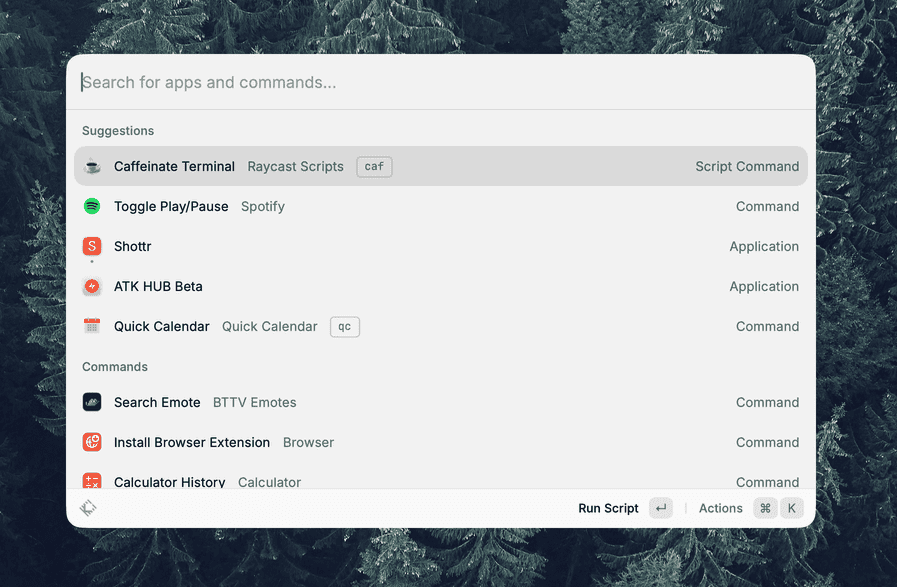
    Still the best Spotlight replacement on macOS (and now Windows too) — it’s so useful. Quick calculations, translations, conversions, launching apps, searching files — this thing does it all. Even the free version is good enough for me. Makes using the computer so much better.
    Shottr

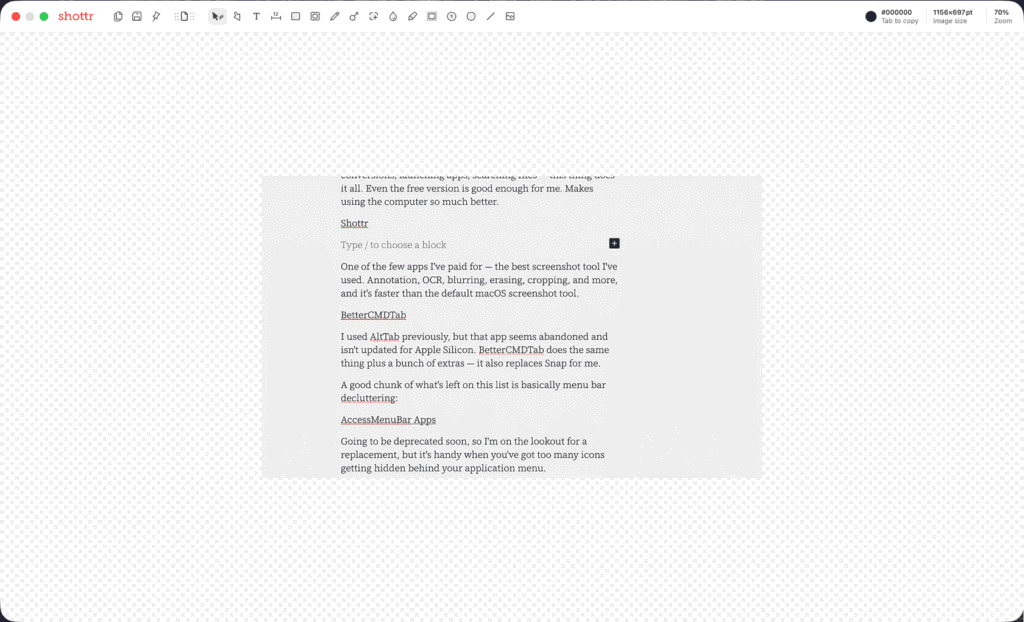
    One of the few apps I’ve paid for — the best screenshot tool I’ve used. Annotation, OCR, blurring, erasing, cropping, and more, and it’s faster than the default macOS screenshot tool.
    BetterCMDTab

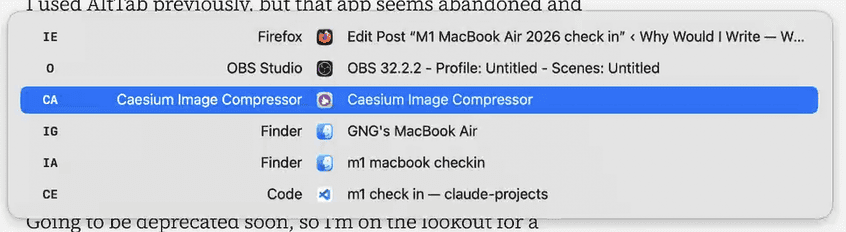
    I used AltTab previously, but that app seems abandoned and isn’t updated for Apple Silicon. BetterCMDTab does the same thing plus a bunch of extras — it also replaces Snap for me.

    A good chunk of what’s left on this list is basically menu bar decluttering:

    AccessMenuBar Apps

    A handy tool when you’ve got too many icons getting blocked by the application menu of your apps.

    Hidden Bar

    Another tool for cleaning up a crowded menu bar.

    OnyX

    Mainly using it for a smaller menu bar font size.

    Rounding out the list:

    Scroll Reverser

    Reverses scroll direction on your mouse while keeping the normal (reversed) behavior on the trackpad.

    KeyboardCleanTool

    Temporarily disables your keyboard so you can clean it without triggering keystrokes.

    Bandwidth+

    Shows your internet speed in the menu bar, handy for keeping an eye on your data usage at a glance.

    OpenInTerminal

    Opens a terminal in your current Finder window. I just hit cmd + ctrl + T in Finder and it opens a terminal in that folder.

    TextCount

    Mostly for work, but it’s a quick way to check character/word count on any selected text. Simply select the text you want to check, hit cmd + c, and the count will update in your menu bar.
    Browsers

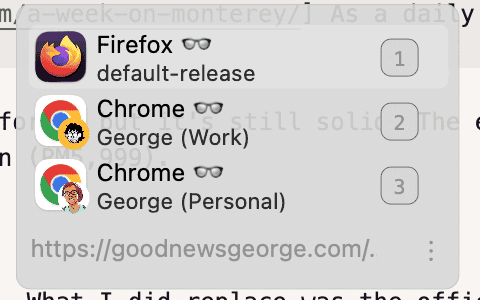
    If you use multiple browsers, this opens links in whichever one you want — it even supports multiple profiles, great for switching between work and personal.


    A couple of hidden macOS tricks I picked up along the way too:

    For a snappier dock — no lag on hide/show — run this in your terminal:

    defaults write com.apple.dock autohide-delay -float 0
    defaults write com.apple.dock autohide-time-modifier -int 0
    killall Dock

    The first kills the pause before the dock starts sliding out, the second kills the slide animation itself, so it just snaps in and out instantly. Discovered the trick here.

    And for dragging windows from anywhere (not just the title bar), run:

    defaults write -g NSWindowShouldDragOnGesture -bool true

    You’ll need to restart your Mac after this, but once you’re back in, you can just hold ctrl + cmd and click-drag anywhere on a window to move it around.


    That’s it for my almost 5 year check in. I can see myself sticking with macOS for at least another decade, depending on how life goes. I’m still on Windows at home for gaming, music production, art, and video editing, and I occasionally boot into CachyOS when I feel like messing around with Linux.

    Hope some of the recommendations above help ease you into the macOS ecosystem if you’re moving over from Windows. For everything else, there’s always Reddit. Or AI.
  • Listening to podcasts is lonely

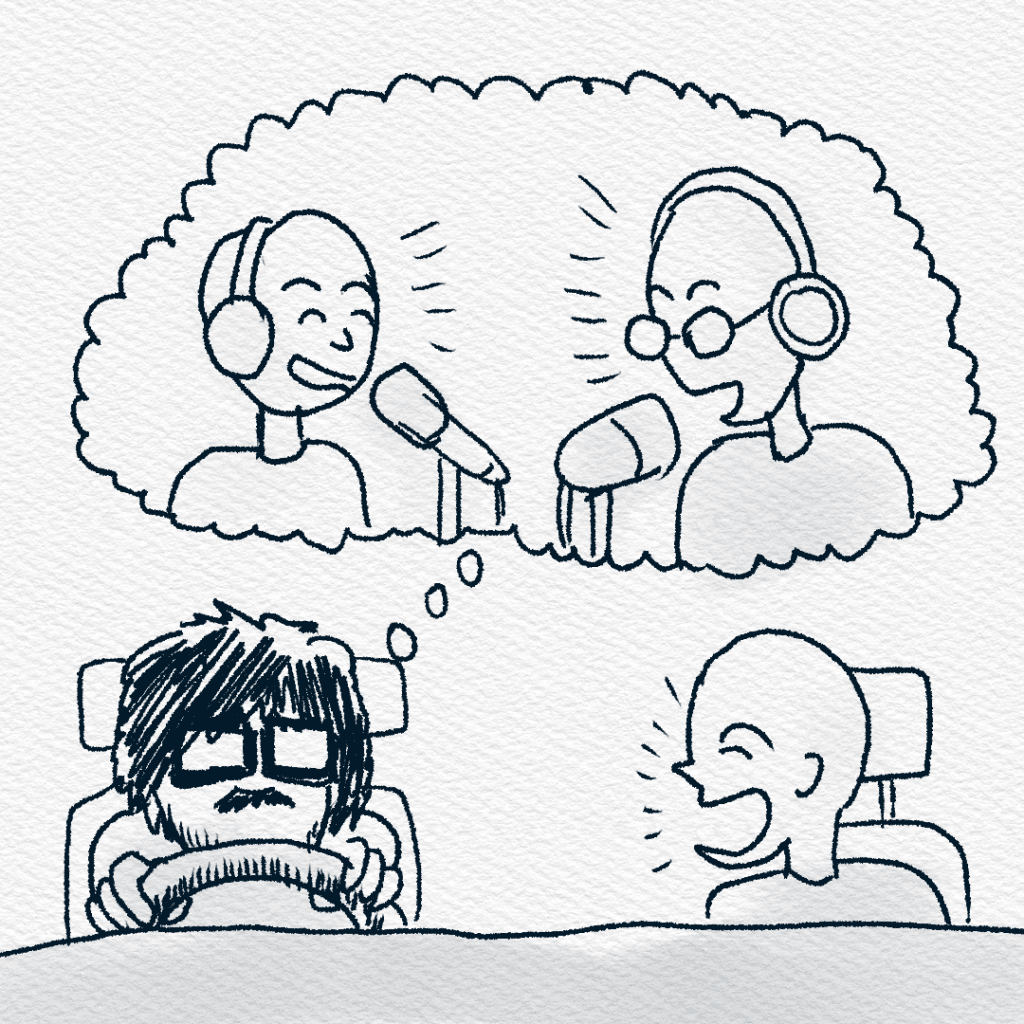
    Listening to podcasts is quite a lonely hobby, if you think about it. Especially if you’re like me, and listen to podcasts on drives.

    They’re probably the best way to pass time in traffic. 30-minute bumper-to-bumper drive to the city? No problem, that’s like an episode of a TV show, and we all know how fast time passes when you’re enjoying yourself.

    However, I’ve come to realize that this only works when you’re driving alone. For those of you who have friends that enjoy the same podcasts as you, this might not be an issue. This is for the rest of us.

    When you have passengers in the car, you have to account for the fact that they might want to talk. Not everyone is as interested in the origin of the A note as you are.

    Once in a while you might put on something that appeals to everybody, but that would mean getting everyone to keep quiet and interested in the episode.

    If people talk, it distracts you, and you’d have to relisten to catch everything (ugh, imagine relistening to a podcast episode with the limited amount of time you have).

    Or worse, you might be listening to something interesting to your passengers, and they ask you to rewind it from the start. Come on, they’re not going to listen to the whole thing anyway!

    Once they get out of your car, you’re stuck trying to find where you left off, good luck if there are no chapters on Spotify.

    Or they might just talk amongst each other, and you have to decide if you want to participate in the conversation or ignore them, which is anti-social, especially since your car is now a social environment.

    So if you’re like me, you save podcasts for when you’re driving solo. When you can actually focus. Listening to people talk to each other, while you sit alone in the car.

    Maybe that’s the point. Podcasts are kind of a private experience. They only really work when you’re alone.

    And so, to not be a weirdo; when you have passengers, put on some music and let them talk over it. Because it’s just the soundtrack for the drive.

  • Skill Expression

    I need to use AI at work.

    That’s just the reality of how it is right now.

    If I don’t use it, I fall behind. I don’t have a supercomputer in my head that allows me to skip using AI. I’m not a genius. So I use it.

    In a professional context, that makes sense; especially when your work requires efficient output.

    The more I use AI for work, the more I worry about its impact on me. I can already feel my writing skills atrophying, and it bothers me.

    The moments where I’d sit with a problem and slowly work it out have been replaced with me typing prompts. I’ll admit, it’s useful. It saves me a lot of time. But I also recognize that trying to write a post completely on my own is now a struggle and that’s scary.


    There’s a common argument that AI art is just the next step in democratized tools.

    Photography made image-making more accessible. Digital art removed the cost of materials. Creative software let more people participate. Everyone can do it now. Everyone can share their experiences. And those experiences are part of what art is.

    I actually agree with that.

    Tools becoming more accessible is good. Lowering barriers is good. More people expressing themselves is good.

    But something important gets lost in the jump from “accessible tools” to “AI that generates the result for you.”

    Traditional tools, even digital ones are extensions of your hands. They require your taste, your decisions, your time, your frustration. And the whole learning process, mistakes included.

    Beyond the ethics of art being trained on stolen work (this post isn’t about that), I’m addressing people who use AI entirely to replace the experience (of making art, writing, music etc).

    If you’re looking for some well-put-together takes on AI, check out these videos


    Another justification I see a lot is that criticizing AI art is ableist.

    The argument goes: not everyone has the time, physical ability, or cognitive capacity to develop traditional artistic skills. AI allows them to participate. It levels the playing field.

    I understand why that resonates. But I don’t think the alternative to “you can’t physically draw” is “a machine does it entirely for you.”

    Art has always adapted. There are tools, techniques, accommodations, collaboration, different mediums. Expression isn’t limited to one physical pathway.

    What makes art meaningful isn’t that it was hard in a universal sense. It’s that it required something from the person making it. Their perspective, limitations and problem-solving techniques. Everyone struggles and approaches something differently.

    But removing the struggle entirely, removes the need to develop skill or to make decisions beyond a prompt, and changes the nature of what’s being expressed.

    And I don’t think it’s ableist to say that the process matters. For me, it is the entire point.

    The journey. The struggle. The learning. The capturing of a moment in time.

    When I look at something I made years ago, I don’t just see the result. I see who I was when I made it. What I knew. What I didn’t know. The mistakes I couldn’t see yet. The things I was proud of that I’d do differently now.

    It’s a memento.

    Skill expression isn’t about proving I’m talented. It’s about documenting growth.

    Every piece is evidence of effort, a record of time spent, and a reminder that I cared enough to get better. That’s what makes it purposeful.

    If I outsource the hard part, I’m not just saving time. I’m removing the part of me that changes.

    Art, to me, isn’t only about producing an impressive image or song or story. It’s the whole expedition it takes to get there.

    Sometimes it is slow, frustrating and even embarrassing. But that’s the whole point. When you overcome a challenge, you change, for better or worse.

    Sometimes you have something to be happy about, or even proud of. Sometimes you end up with nothing, and that’s okay too. It’s just one rep of many. You’re just practicing for the future. You put in the effort and you learn from it.


    Using AI at work consistently has already shown me how easy it is to let parts of my brain deteriorate.

    When there’s no friction, you don’t learn anything. You retain less information, you become a little dumber, too.

    Maybe that’s fine when the goal is efficiency.

    Art is one of the few spaces in my life where I’m not trying to optimize. I’m not trying to scale. I’m not trying to compete with someone else’s speed.

    I’m just trying to get better than I was. Heck, sometimes not even that. I just enjoy creating so much that I keep doing it.

    If I let AI take over that space too, I’m giving up a huge part of me.

    Art isn’t essential to my survival.

    I don’t need it to pay my rent. I don’t need it to meet a deadline.

    I do it because I enjoy the ordeal. I enjoy struggling through something and coming out the other side slightly better than before. That improvement is slow, sometimes invisible and sometimes humbling.

    And I’m okay with that.

    I use AI when it makes sense. To speed up my workflow or polish my grammar. But when it comes to my art, I’m not looking for a shortcut. I don’t want the work done for me, because for me, the work is the point.


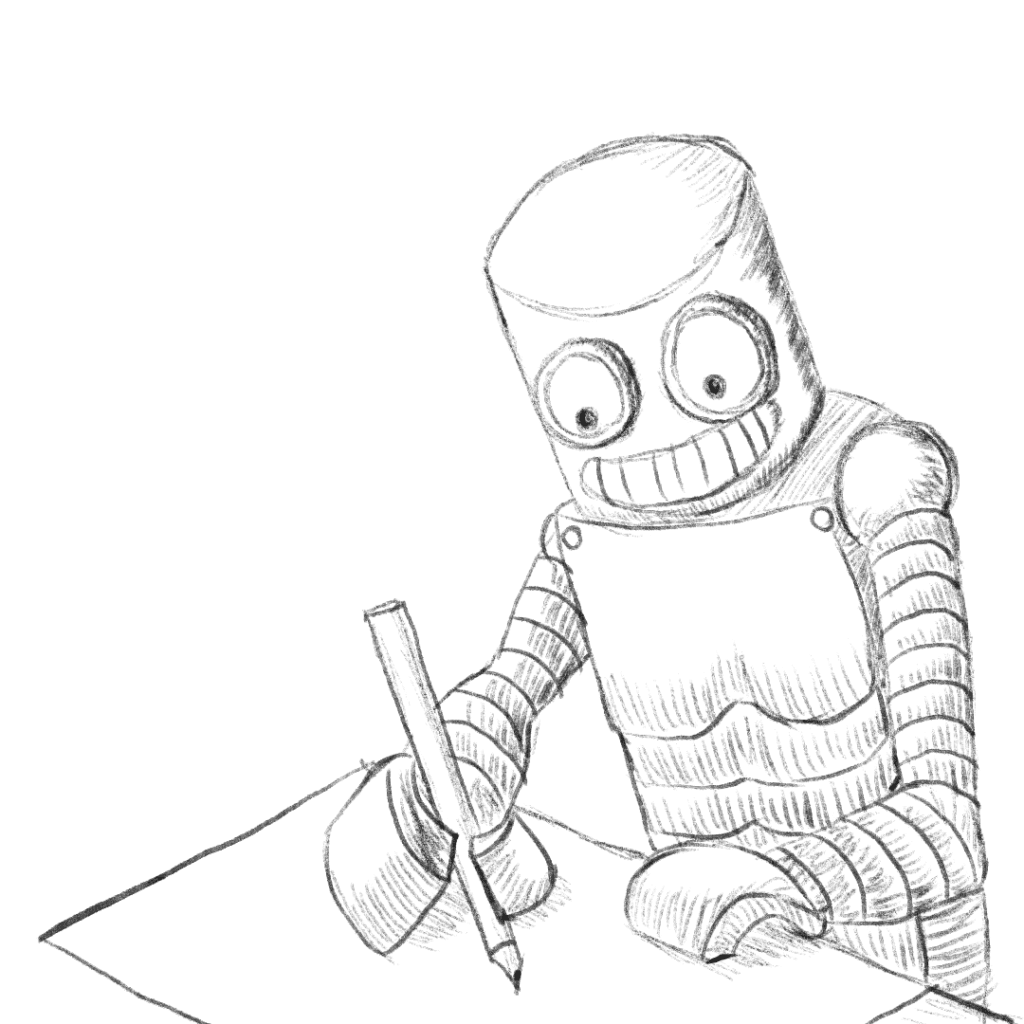
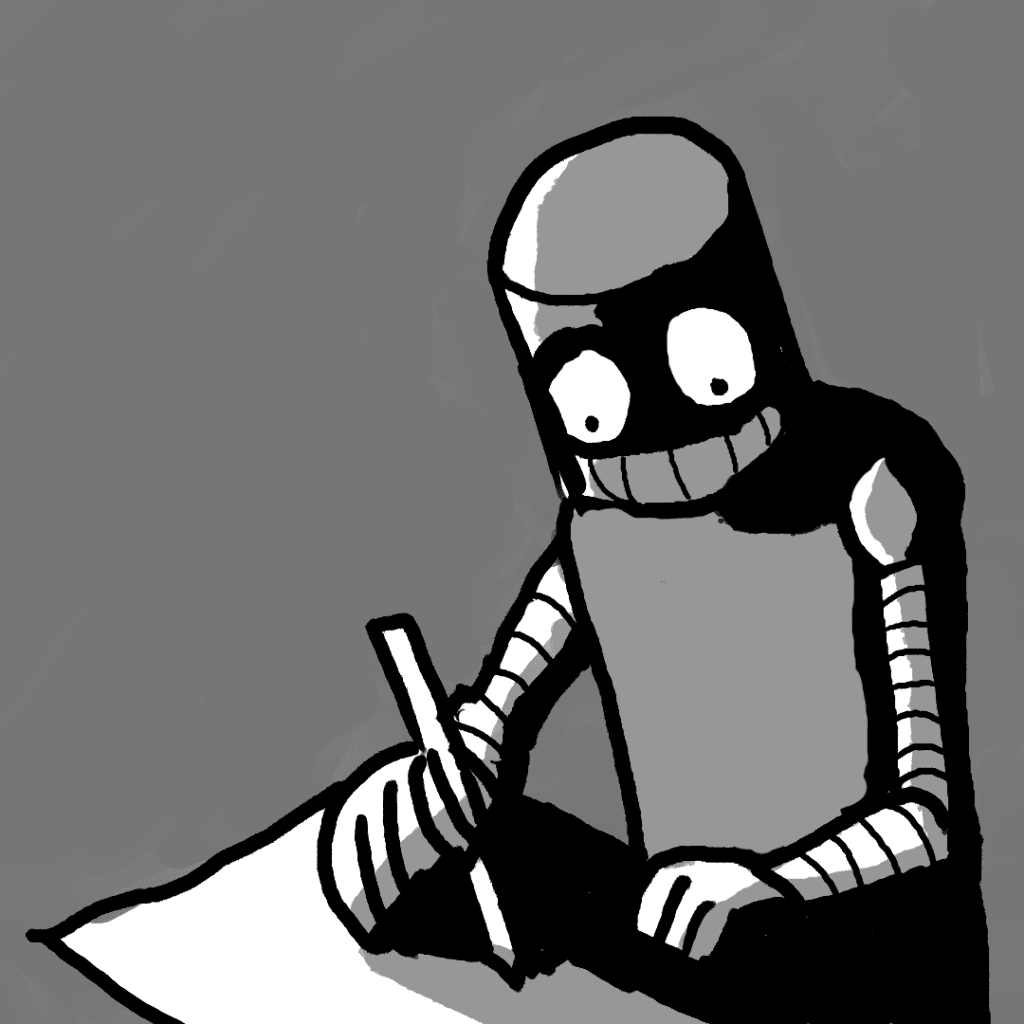
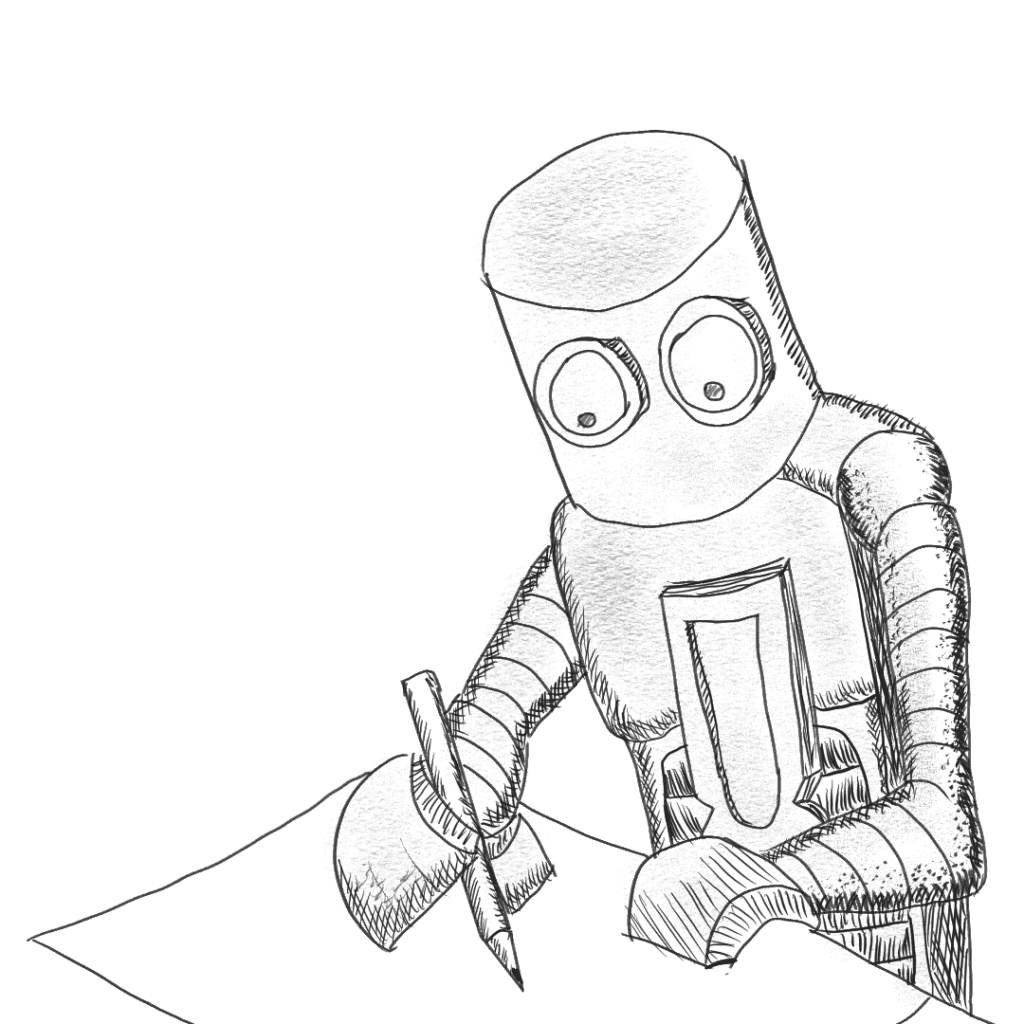
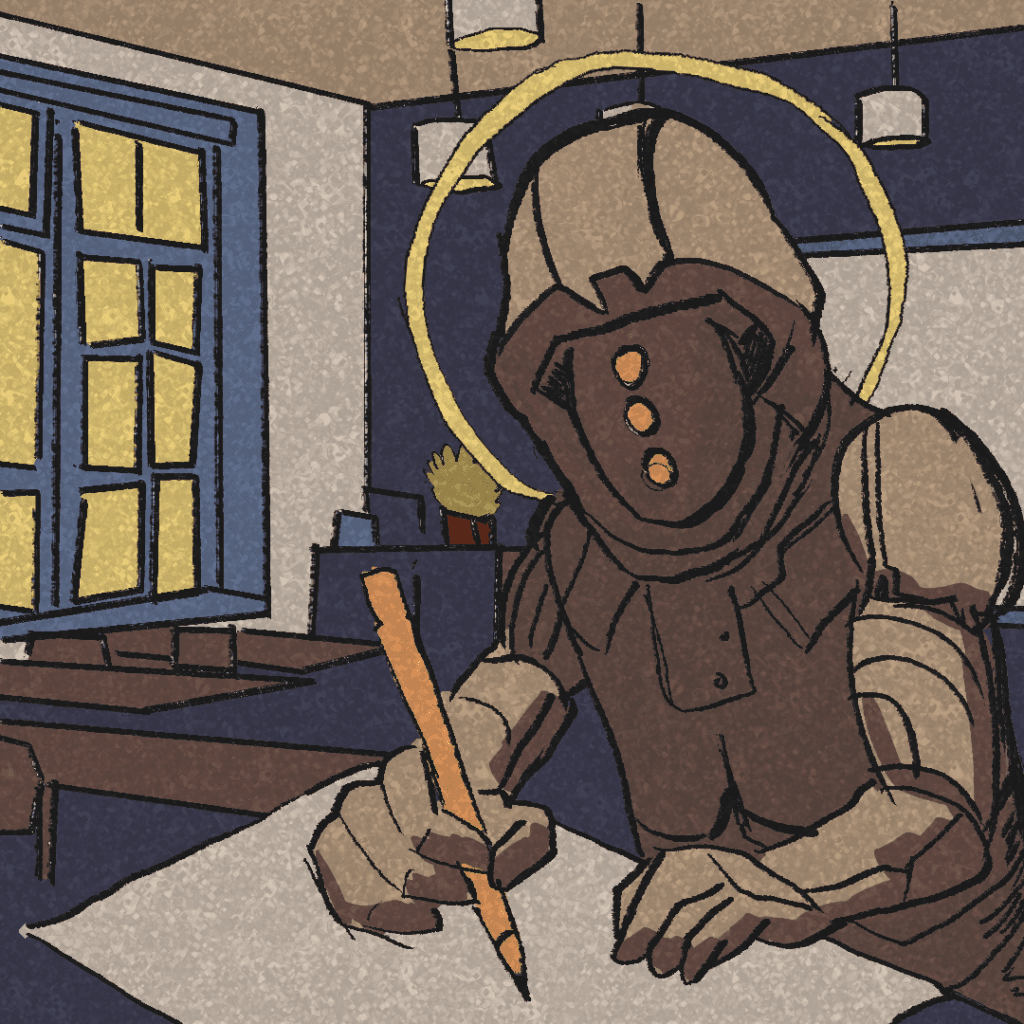
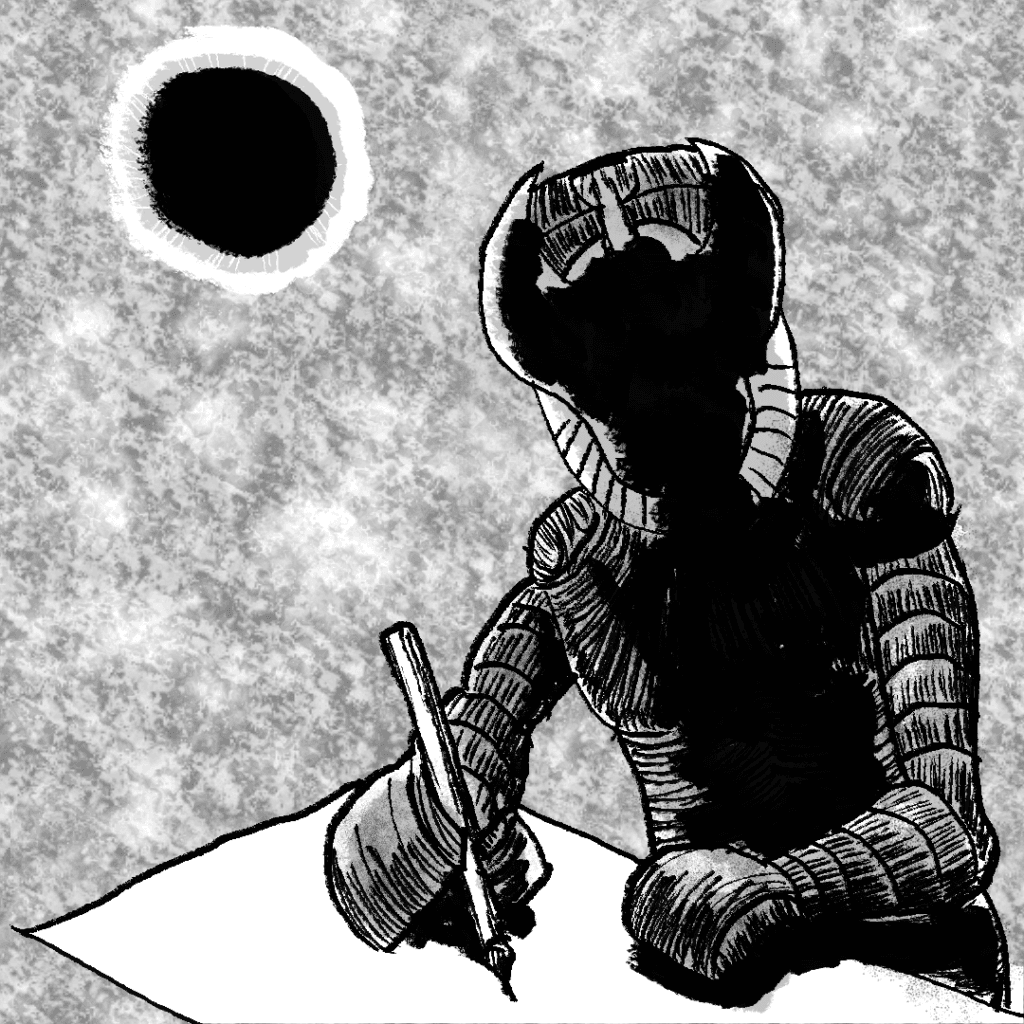
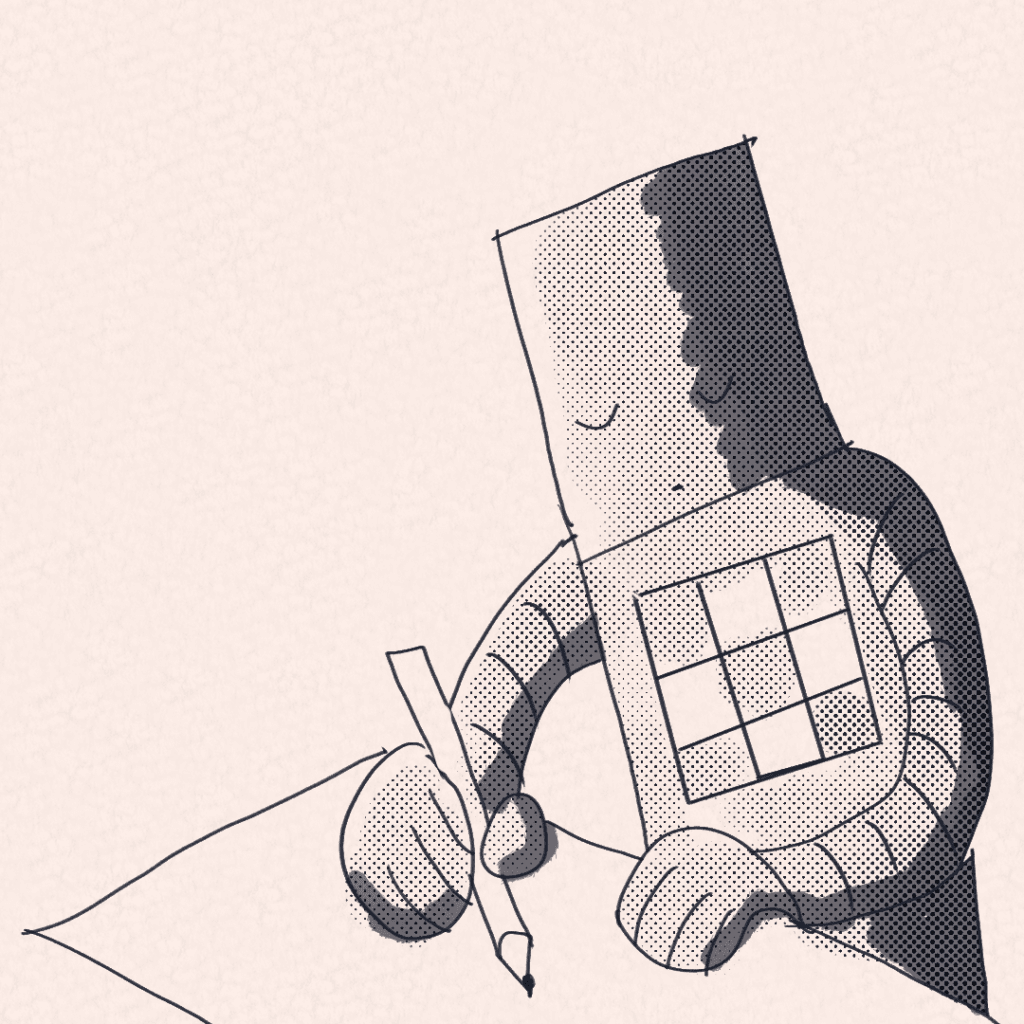
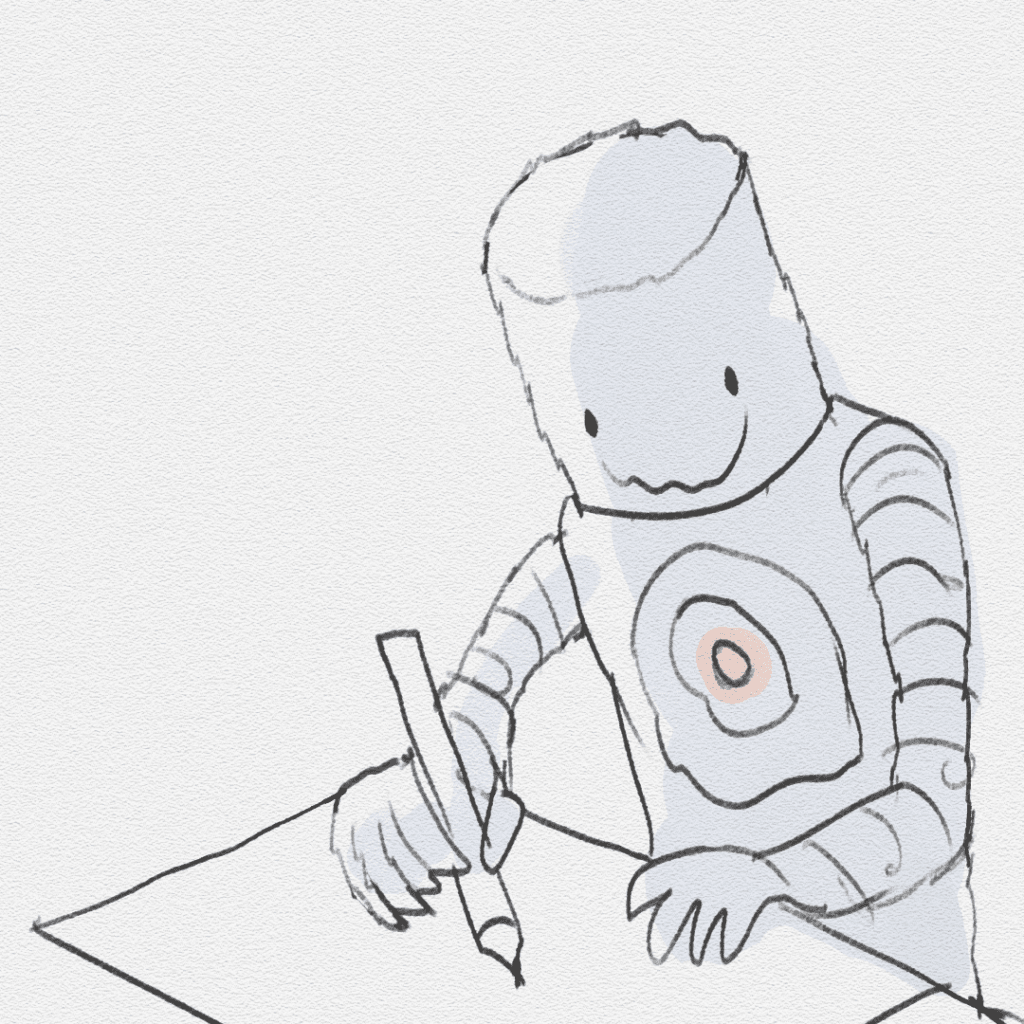
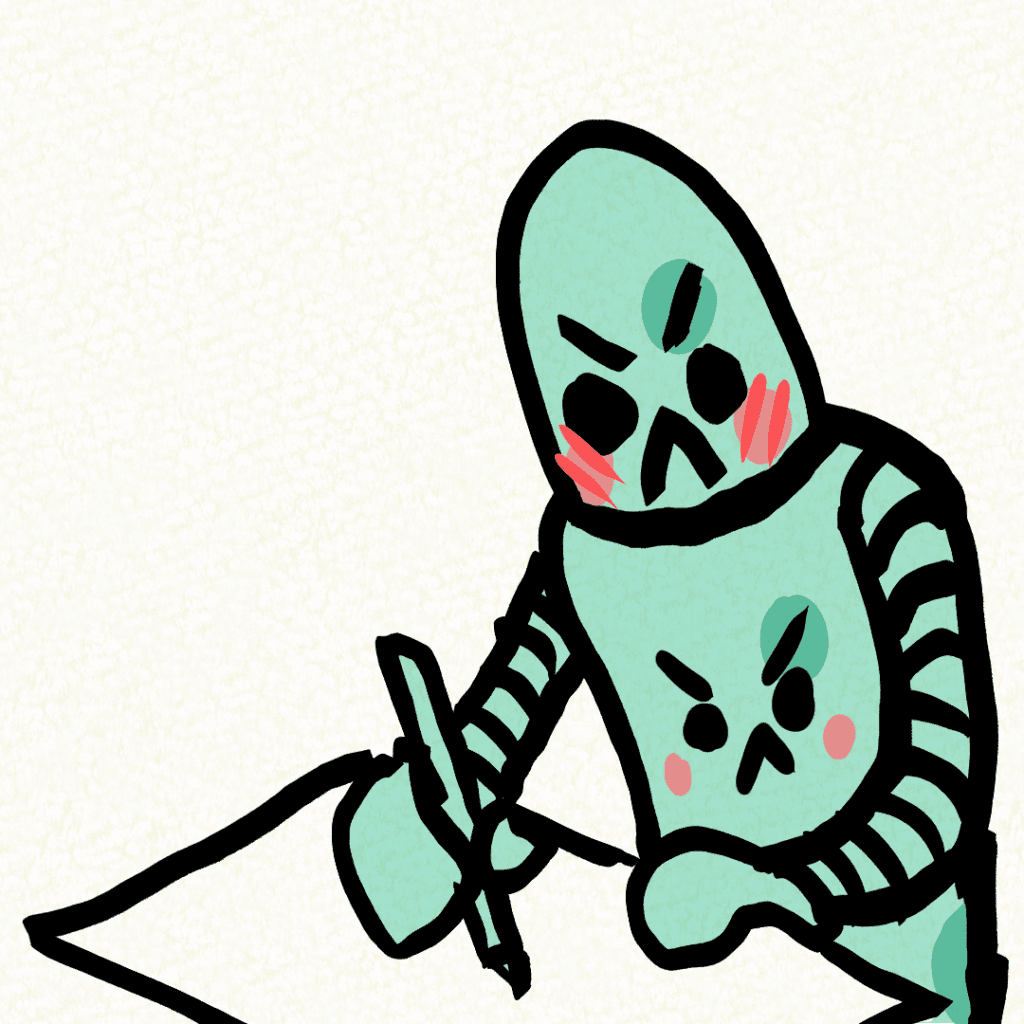
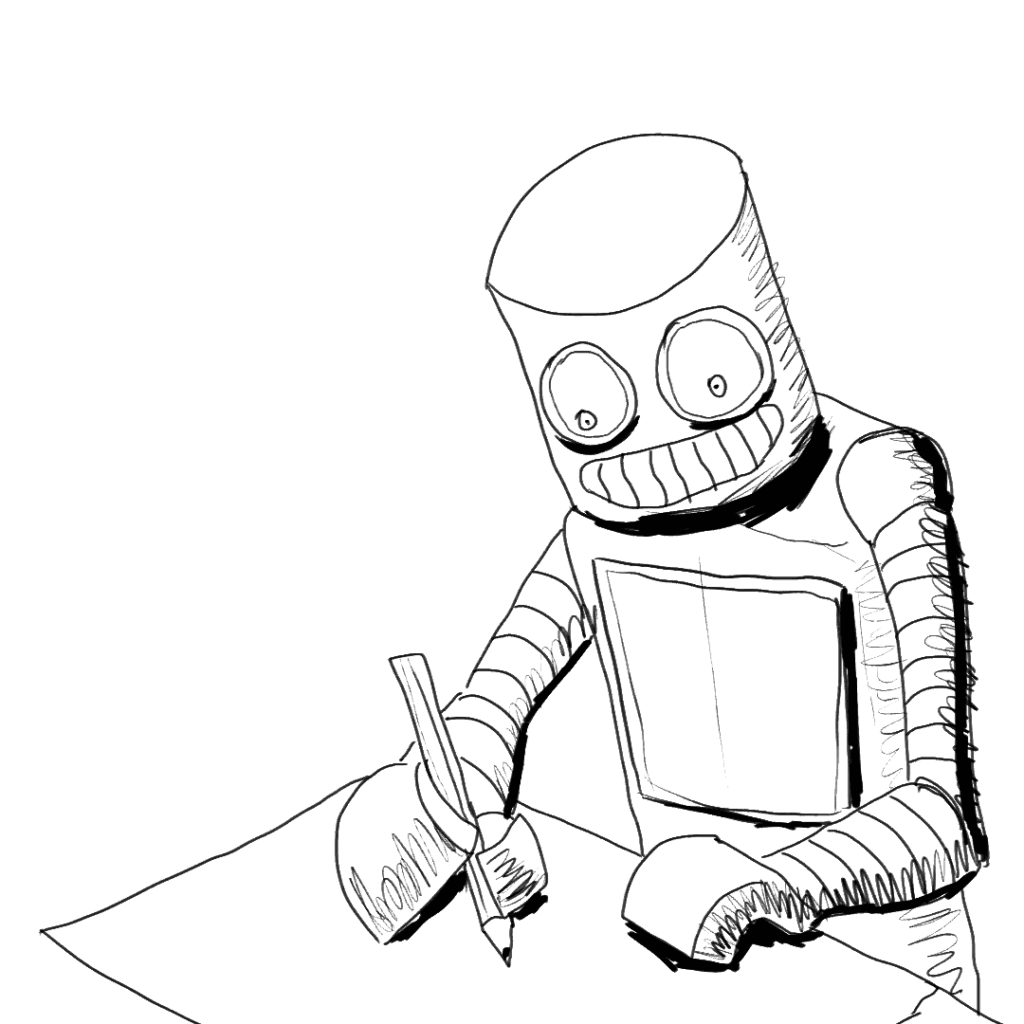
    The 12 drawings throughout this post were inspired by DREWSCAPE’s video on making custom art styles for comics. With each drawing, I tried to (poorly) capture the style of an artist I admire. Super fun exercise I recommend every artist to try out!
    1. Gipi
    2. Paolo Parante
    3. Steve Emond
    4. RK Post
    5. Baka Arts
    6. Kentaro Miura
    7. Roman Muradov
    8. Quetin Blake
    9. Angryfrog
    10. Monster and Beer
    11. Adventure Time
    12. Master Tingus