Category: Technology

  • Curated Feeds

    It’s been a while since the introduction of in popular social media platforms like Facebook and Instagram. While I’ve always been a huge proponent of UI updates and redesigns, I was initially upset. I liked viewing stuff chronologically – it was something I was used to. However, after a while, I stopped bothering with trying to get my updates sorted chronologically, and just accepted that the algorithm knew what it was doing. So far, it’s been alright. I hardly check out updates in order anymore, since the more relevant posts do pop up on top.

    But after a while, I discovered that I kept seeing posts about things I was interested in (let’s not forget the ads as well) – it was no longer showing me random stuff that I used to encounter. It has turned my feeds a little stale. Sure, it’s great to know that what I want to know is readily available – but what about all the things I never knew I wanted? It’s all buried under this circlejerk/echo chamber of a news feed. Don’t get me wrong – I like the fact that after months of me filtering my feed, Facebook now doesn’t show me things I don’t care about – but I now miss out on stuff that I might care about because I don’t know about them.

    If I want to discover something new – I have to intentionally look for it – a harrowing task when I don’t know what I’m looking for in the first place. Imagine missing out on something revolutionary and life-changing because it wasn’t on your radar in the first place? You now have to rely on people you see to hopefully keep you abreast of whatever that is. I haven’t gone back to browsing my news feed chronologically (Facebook still offers the option but Twitter and Instragram removed the option unless you were viewing individual pages) – it was just something I realized not too long ago.

    These days I get most of my updates from Reddit, fortunately I don’t think they have algorithms to tailor your front page according to your profile – you just get highly rated stuff from subreddits you’re subscribed to. Hopefully in the future we’ll get options to see the news however we like it – chronologically or curated. I think having the option is always a good thing. Imagine getting your email in a curated order, with no way to switch it back – that would be such an annoying feature.

  • Life with a Smartwatch

    Life with a Smartwatch

    Excuse the potato shot

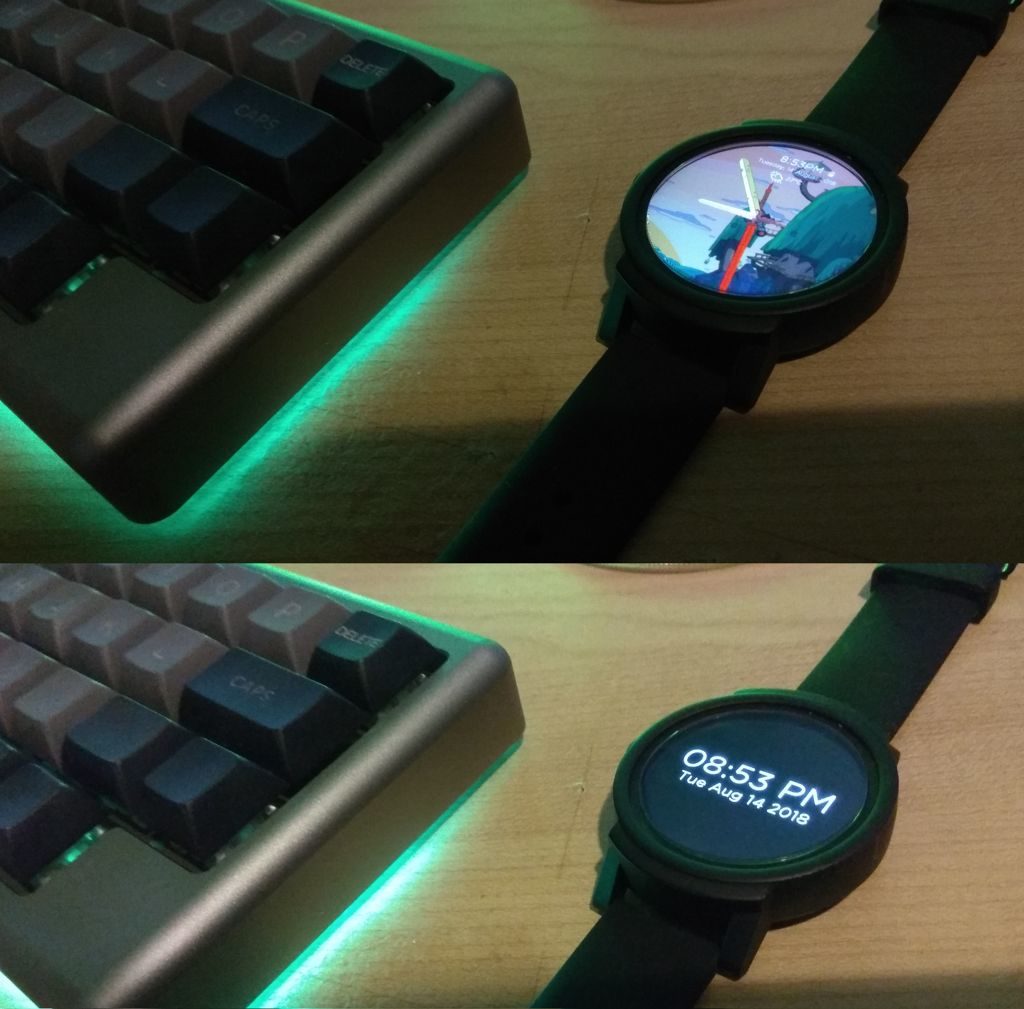
    For most of my life, I haven’t been one to wear a watch. I don’t know why, but for some reason I always felt like it was a big hassle just to put it on every morning. In fact, I stopped wearing watches for such a long time that having one on my wrist felt unnatural and I would constantly leave the house without putting it on. However, that has changed over the past two months. At the end of June, I got myself my very first smart watch, and now it’s something that I miss whenever I walk out of the house without wearing it.

    I avoided the smartwatch craze for a while because the idea of having to charge your watch every night seemed unappealing to me. I mean, who wants to do that right? Since then, smartwatch battery life has improved and you can go for a couple of days before having to charge it (at least with the higher end ones). I decided to get one after reading rave reviews about this entry-level watch from Ticwatch – the Ticwatch E/Express. It had a reasonable price tag (RM 699 on Lazada), ran on Android Wear, and looked pretty nice. Since I had no experiences with smartwatch prior to this one, I thought the cost wasn’t too high to give it a shot.

    Setting it up was pretty straightforward – install Android Wear on your phone, sync it up with the watch and you’re good to go. Look around for some watch face apps if you’re unhappy with your current theme and download it to your watch. I’m currently running a modified version of this Adventure Time Watchmaker theme and I think it’s pretty rad. I had some issues getting data to work when not on wifi, but after troubleshooting via the official forums and Reddit I did a system reset and it has been working fine ever since.

    Since I’ve been using the watch for about two months, I thought I could give some of my opinions on it, for those of you interested in getting one for yourself.

    • My watch has about 33 hours of battery life based on my usage – it’s not great, but it’s not bad either. It definitely has enough juice to power through a full day (even with heavy usage) but if you don’t charge it, it’ll die in the middle of the following day unless you decide to charge it at some point before that. It’s definitely not 48+ hours as advertised (or I have a defective model – I’m not sure what the case is).
    • The fitness features are useless for me. It was fun to play around with the heart rate monitor or check how many steps you’ve walked initially, but as time went on, I stopped using those features. I’m sure if I lived a more active lifestyle, they would be really useful. As it stands, I had no use for them. The reminders every hour to get out of my seat to walk around let me know it’s time for a cigarette.
    • Phone notifications without pulling out your phone – very useful. Responding to messages without using the canned responses: not so great. Writing text by tracing letters out on your watch is too cumbersome to be useful. Especially if you have a long reply. Responding with your voice is a step better – it works well, however the times when I have to use my voice instead of typing them out on my phone’s keyboard are very limited. When you’re in public, you don’t want to be speaking replies out loud – not to mention, sometimes it’s just too noisy as well. When you’re in a meeting and looking at messages on your phone instead of your watch, you’re definitely not in a place to be responding with your voice.
    • My favorite feature so far – making reminders or phone calls with my voice. Now that’s a feature I can get behind. Especially if you have a headset on, you can do those things without pulling your phone out of your pocket. Great when your hands are full or when you’re on the move.
    • Using it as a navigation device is pretty nifty as well. It’s definitely better than walking around with your phone in front of you. The screen’s display is also bright enough to be used outdoors during the day.
    • The watch is pretty much more of a notification responder than a full-blown mobile device. I understand its limitations due to the hardware and software, but I think this will improve in the coming years. In the future, it’ll probably be good enough to replace your smartphone by itself.
    • The performance of the watch definitely leaves a lot to be desired. Especially when you don’t leave it in always-on mode – it takes a couple of seconds to wake up. While it may not seem like a long time, it does add up over time – especially if you’re like me and forget the time very often. To solve this issue, I just leave my watch on always-on mode and have a dim display for the idle mode.
    • I like the fact that you can change the display to pretty much anything you fancy – assuming there are themes available or you’re savvy enough to create something on your own.
    • I’ve gotten used to charging an extra device every night. It’s not a huge hassle, but the watch’s proprietary magnetic charger might be a pain point in the future if it ever stops working. I think having a regular micro USB port would have been a better idea.

    Those are my thoughts on my smartwatch so far – I know a lot of people have more uses for it than me (i.e. controlling presentation slides) so depending on your usage habits, it may or not be more useful. I’ve only had two months with it so my opinion might change in the future. It’s something that’s nice to have, but definitely something you can live without.

  • Mobile Hotspots are Underrated

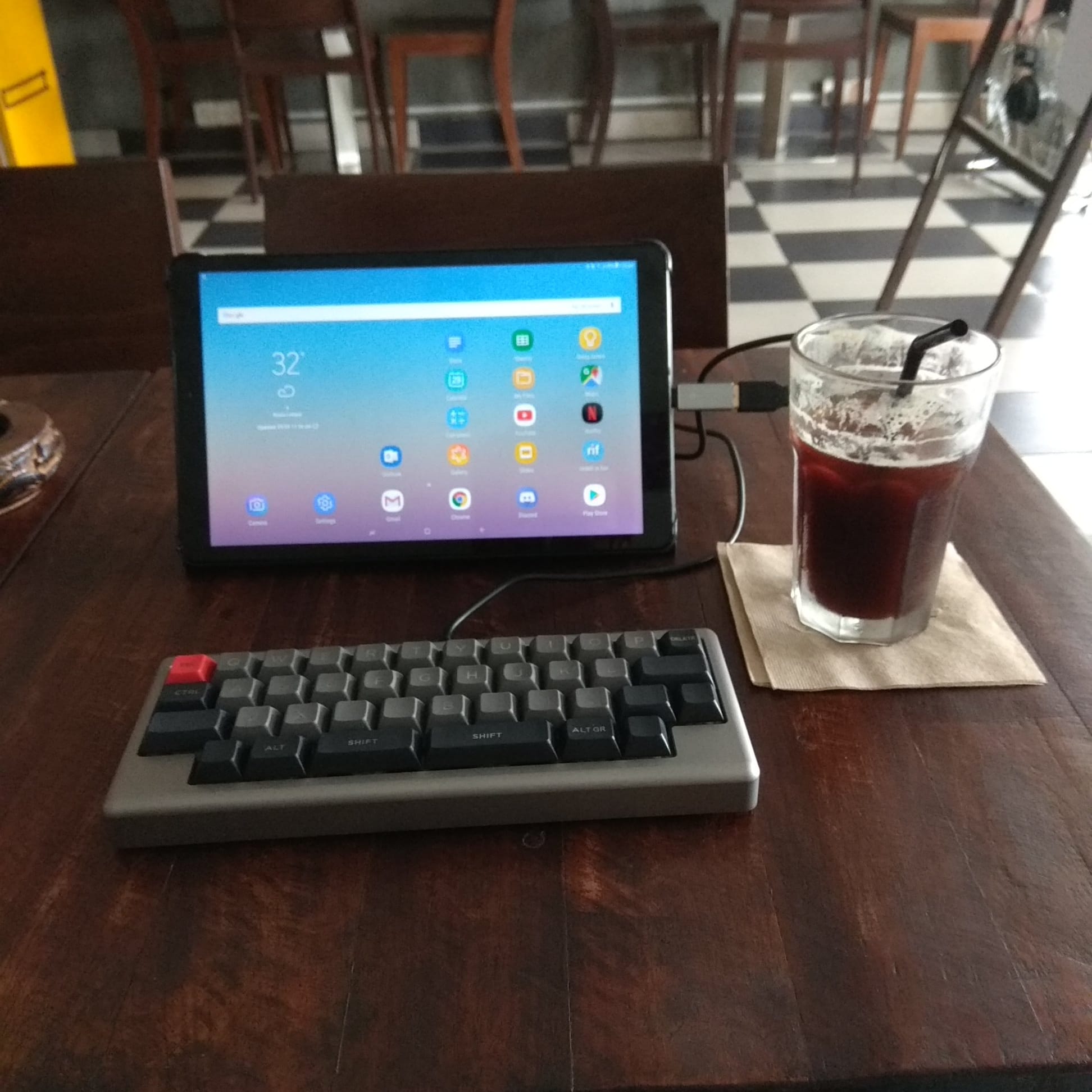
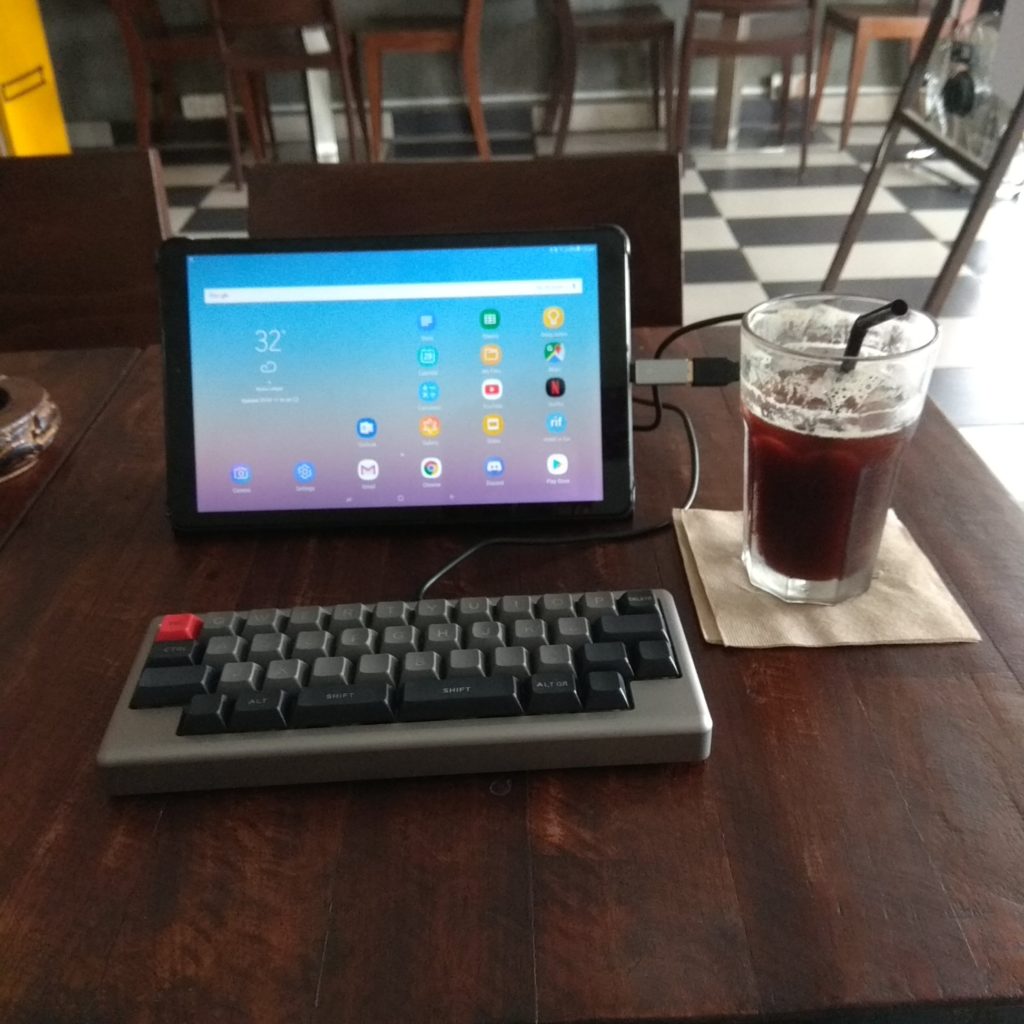
    If there’s one thing that people don’t use enough of these days, it’s turning their phones into mobile hotspots. Gone are the days where if you visit a cafe and it has no WiFi, you can’t do your work there. All you have to do is turn on the hotspot feature on your phone and you’re good to go. Unless you have a terribly limited data plan (which most people don’t have these days), using your phone to tether your laptop/tablet to is something you should do – unless you have terrible reception on your phone.

    Benefits? You get to use 4G speed, which is better than the WiFi you get from a lot of places in KL. Especially when a cafe/restaurant is busy and full of other people leeching it as well. Better security – while most WiFi networks are usually pretty secure these days (gone are those days of Firesheep), it just feels better knowing that you have traffic going through your own cellphone instead of through a router that the public is accessing. You can use it anywhere and anytime you want. You’re no longer bound to venues and their opening hours. Sit in your car or on a park bench somewhere to work if you feel like it.

    Sure, on some phones it might affect the speed of your battery drain, but if you have a decent phone (something that most people already do these days), it shouldn’t be much of an issue. You can always use powerbanks or charge your device with your laptop or a power outlet.

    Also, if you don’t use up that phone data, what else are you going to use it for? At least in my experience where I have WiFi at home and in the office, my data goes underutilized on most months and I end up spam watching HD YouTube videos before my data renewal date just to feel like I got my money’s worth. In case you’re not sure about how to turn your phone into a hotspot (there are a thousand different phones out there so I can’t give you a guide here) you can do a simple Google search to find out. It usually falls under Settings > WiFi > Hotspot/Tether on Android phones.

    Now go out there and enjoy your freedom enabled by your mobile devices! (though some people may say the ability to work anywhere is a curse, and not a blessing)